
Key takeaways on the best AI tools for business
- The best AI tools for business are only as good as the context you give them. The more context you provide, the better and more tailored the output
- Always pay for the tools you use most. Paid versions protect your data and stop your content from training their models
- A good prompt has a role, a task, an audience, context, inspiration, an output format, and guardrails. Leave one out and the quality drops
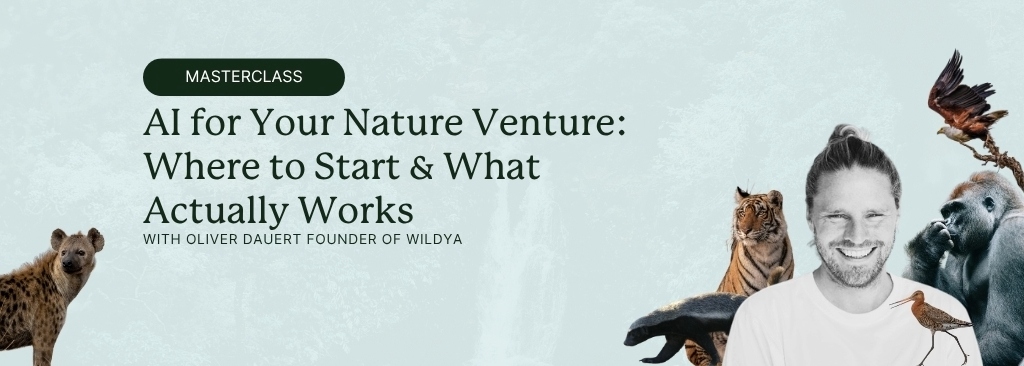
This article is based on a live Wildya masterclass with Oliver Dauert, founder of Wildya, who has spent two years testing AI tools across every part of a nature venture: writing, strategy, research, content, and operations.
If you want more insights on building or scaling your nature venture, using AI, The Impact Millionaire newsletter lands in 4,000+ inboxes every week.
Why Oliver Dauert uses AI tools for his nature venture
Nature is losing. Oliver Dauert said it at the start of this masterclass without softening it. 🌳
“Right now, nature’s losing. Nature’s losing quite often because the extraction economy is like much more powerful than the restoration economy.”
The companies doing the extracting are well-funded and already using AI to move faster, produce more, and reach further. A crypto platform or a fast fashion brand has 10 times the resources of most nature ventures.
Nature ventures are usually working with the opposite: one person wearing four hats, a tight budget, and a to-do list that never shrinks.
Oliver’s theory is that if ecopreneurs learn to use the best AI tools for business, they narrow that gap. More done with a small team. Better quality output without hiring. Lower costs on tasks that would otherwise be outsourced or skipped entirely.
AI has a real environmental cost. Training these models and running them at scale consumes significant energy and water. Oliver knows that. 🚰
His position is to use these tools where they create value, not to run them mindlessly, and to pick the most climate-friendly options where possible.
Two years of testing later, this is what he actually kept paying for.
Before the tools: how to prompt well
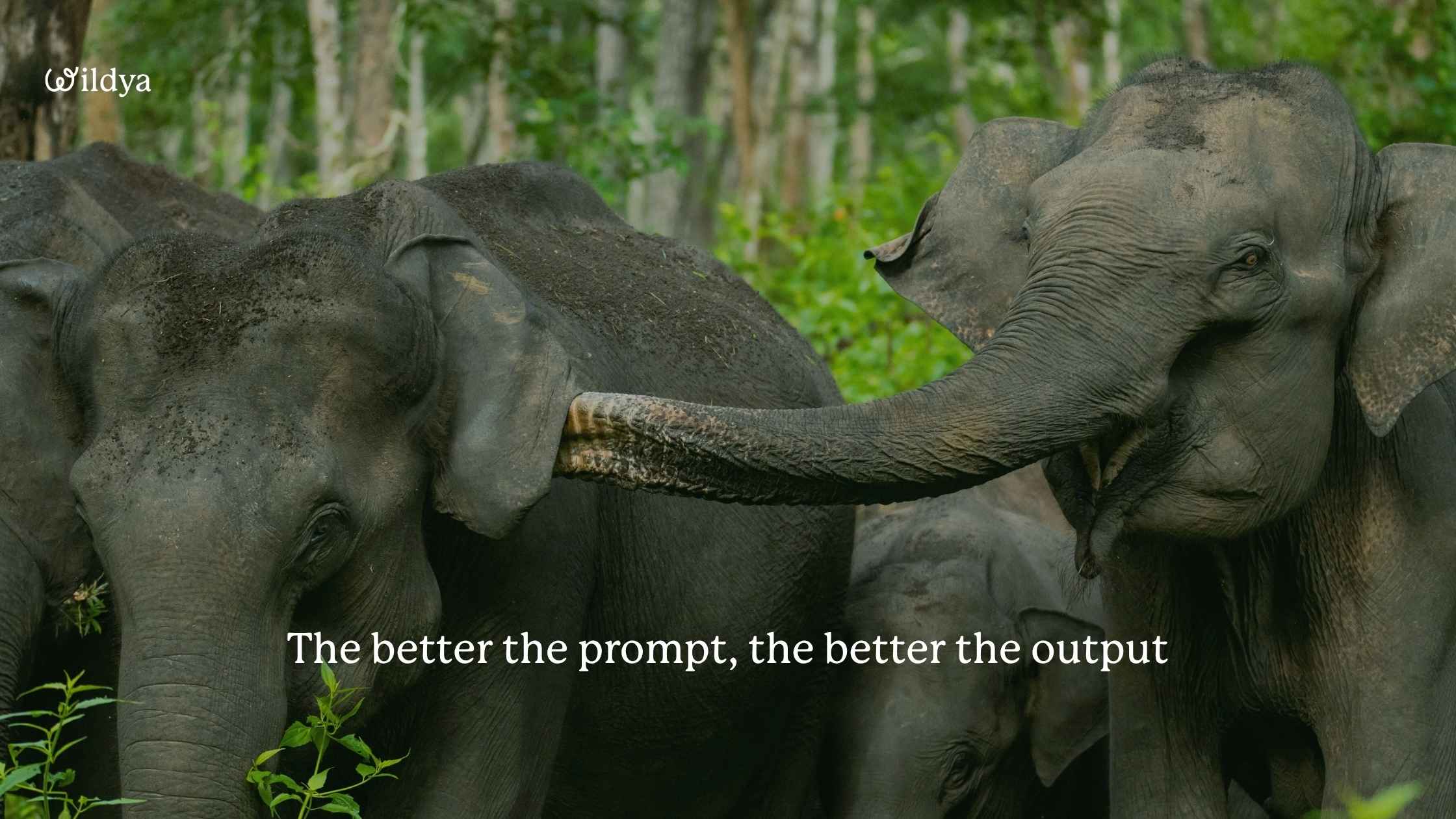
Before you open a single app on this list, getting prompting right matters, because a well-built prompt produces a noticeably better first output and saves you the back-and-forth.
The components of a good prompt
Oliver’s structure for a good prompt covers 7 components:
🐾 The role you want AI to take (a chief financial officer, a conservation ecologist, even “what would Kris Tompkins do?”)
🐾 The task
🐾 The audience it’s writing for
🐾 Context you can give it
🐾 Examples of what good looks like to you
🐾 The output format you want
🐾 Anything to avoid
The last piece is easy to overlook. Oliver calls it “goal and ask me questions“: tell AI what you want the output to actually achieve, and then invite it to flag what it’s missing before it starts.
“It’s the same as if you would try to give it to a coworker,” he said. “You would also explain why you’re doing this. What is the outcome that you wanna achieve with this?”
Not every prompt needs all 7 elements. But leaving them out usually means more time fixing the output than using it.
Context: the rule that applies to every tool on this list
Context is the one thing Oliver came back to most across the entire session.
“If you’d only take one thing away from this entire session today, try to provide as much context as possible because the more context you provide, the better and the more individual tailored will the answer be to what you’re asking it.”
Most people give AI a vague brief and get a vague result back. It’s like giving someone only half the map. 🗺️
More context changes the output completely. And if typing all that context feels like homework, Whispr Flow (coming up shortly) is how Oliver solves that without touching the keyboard.
The best AI tools for business: tool by tool
Here’s what Oliver actually uses day to day, organised by what job they do.
For research: Ecosia
For quick research questions, Oliver uses Ecosia. It’s the most climate-friendly AI search option on the market, and it handles everyday queries well.
Using Claude or ChatGPT for a simple search question is, in his words, “like a Ferrari to go 50 meters to a supermarket.”
Perplexity is worth knowing for deeper research. It pulls multiple cited sources, lets you filter by academic papers, and goes further when you need real rigour.
Oliver used it heavily before shifting Ecosia into his daily routine for most questions.
For writing and communication: Whispr Flow and Grammarly
Whispr Flow is a voice dictation tool that works across every app on your desktop: LinkedIn, Instagram, email, Claude, WhatsApp, notes.
Press a button, speak, and it transcribes. It corrects grammar as it goes, builds your vocabulary over time, and can translate into other languages on the fly.
The average person types around 30 to 40 words per minute. Speaking is closer to 150. Speaking is 3 to 4 times faster than typing for most people.
Oliver estimates it saves him 15 to 20 hours a month. The paid version costs around 15 euros. The maths is fairly cheerful from there.
It also works on your phone, including WhatsApp. Oliver is a talker and used to send voice messages constantly, until he noticed that receivers have to stop what they’re doing to listen.
Now he speaks and they get a text. Everybody wins.
Grammarly handles the cleanup layer. Oliver describes himself as a messy writer and English is not his first language, so Grammarly does the heavy lifting: errors, grammar, tightening loose sections.
Beyond the basics, he says it also pulls writing toward something that actually sounds like a person wrote it rather than assembled it, which matters a lot when your AI output still has that faint smell of a robot.
Almost everything that goes out through Wildya has run through it. He calls it the AI tool he’s used the longest.
For visuals and video: Nano Banana and CapCut
Nano Banana is Google Gemini’s image creation tool.
You can combine multiple stock photos into a single scene, replicate a visual style from a screenshot, or generate infographics from a prompt and a reference image.
He created a peatland infographic in roughly 2 minutes from a reference image and a few lines of website copy. He also combined a landscape, a person, and a product t-shirt into one image using three stock photos and a short prompt.
CapCut handles video. The main use case Oliver showed is automatic subtitle generation.
Around 50 to 60% of people watch social media without sound, which means a video without subtitles is already fighting uphill. Drop the video into CapCut, generate subtitles in seconds, check through for errors, done.
For building websites and apps: Lovable
Lovable builds websites, donation pages, apps, and dashboards from a prompt. No code needed.
Oliver built a working habit tracker app in about 20 minutes his first time using it, including a penalty feature that donates money to a wetland NGO every time he skips a day of French practice.
He’s also used it to prototype donation pages and test website layouts that would have taken 4 or more hours in WordPress.
A few things worth knowing before you start: the SEO performance isn’t yet as strong as a WordPress setup, there’s no built-in content management system, and anything with logins or payment credentials needs you to think about security explicitly in your prompts.
For testing ideas quickly and getting something in front of people fast, it’s one of the best AI tools for business without a developer on the payroll.
For automating and sharing knowledge: ChatGPT custom GPTs
Custom GPTs are ChatGPT’s version of a specialised AI tool.
You build one around your knowledge and process, then share it as a lead magnet, a client-facing tool, or an internal resource for your team.
Oliver built the Wild Idea Finder this way: a step-by-step tool that walks anyone through finding a nature venture idea based on their own skills and interests.
However, Oliver stopped using ChatGPT day to day because it’s unreliable and the interface keeps changing. “They change things and then they hide things and it makes it just like harder for you,” he said in the session.
Custom GPTs are a useful concept for building tools for others, but for your own internal work, Claude Projects does a more reliable version of the same thing.
Try the Wild Idea Finder for free and see what a well-built AI tool looks like in action!
Claude: the tool Oliver uses most at Wildya
Claude is where Oliver does most of his work. He used ChatGPT before, but switched when the output quality became noticeably better for writing, research, and content tasks.
Why Claude is one of the best AI tools for business
Most people use the chat interface and stop there. Oliver says the real value is in Projects, the feature most people skip entirely.
Projects let you load context once: your tone of voice document, templates, brand guidelines, best-performing examples, instructions for how the output should look.
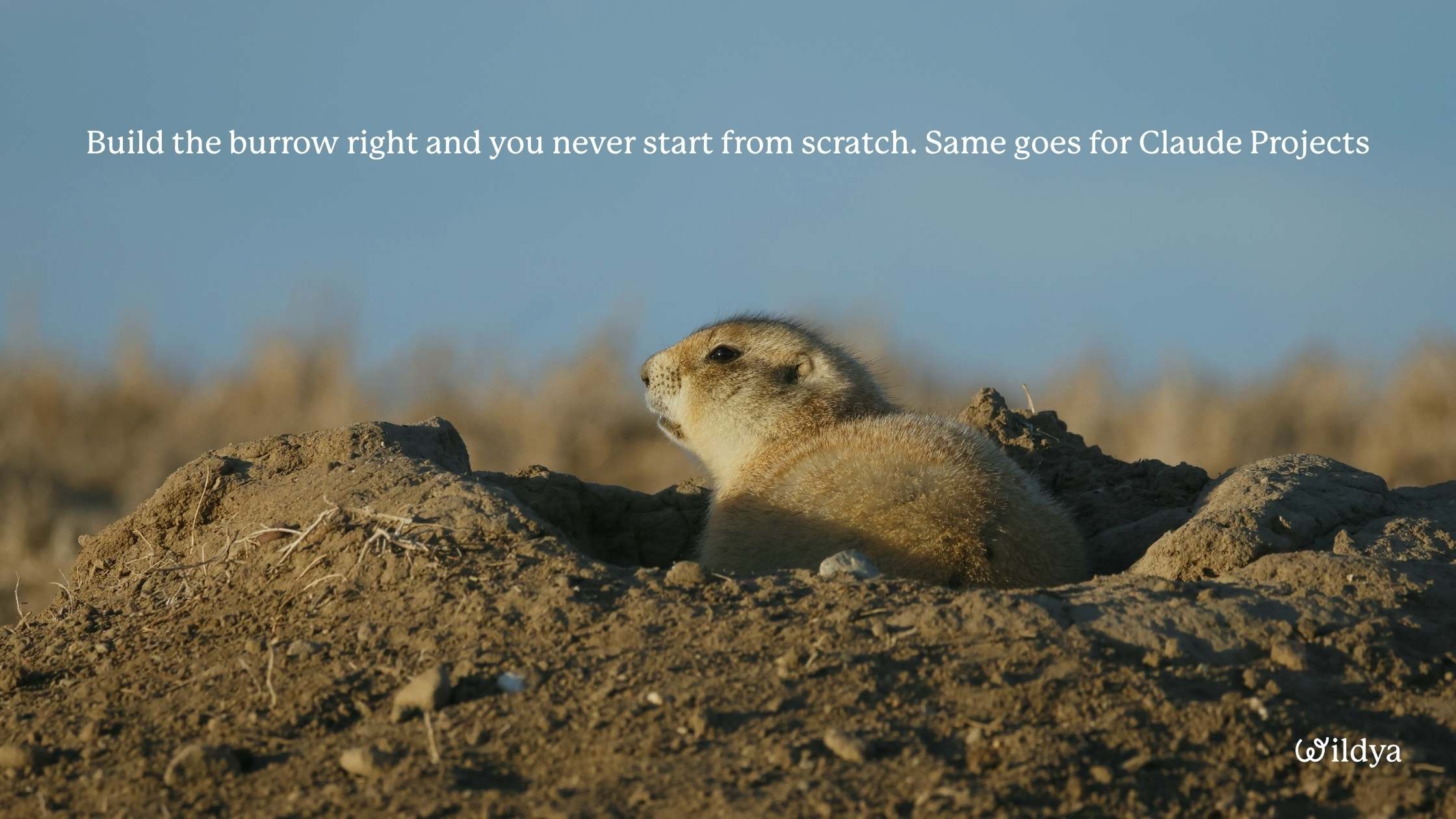
Every chat inside that project then draws on all of it automatically. Think of it like a well-stocked burrow. You dig it once, load it with everything that matters, and every time you come back, it’s ready. 🐇
“If you have a certain task that you always need to do, then you provide the context once, and then it always remembers this.”
Oliver has separate projects at Wildya for SEO blog articles, competitor analysis, press releases, and building tools. Each one has its own files and instructions.
The AI knows what it’s working on before you’ve typed a word.
How to set up a Claude project that works
Instructions are the macro briefing: what this project is for, what kind of output it needs to produce.
Files are where the real context lives, things like tone of voice examples, templates, top-performing pieces, and company background.
“The more files you add here, the more context it has, and it’s always gonna check for every chat that you’re starting here, it will always refer back to the files that you have in here.”
Start with the most repetitive task you do. Create a project for it, write the instructions, upload one context file, and run your next task through it.
Memory builds from there. Claude summarises what it learns across your chats and stores it inside the project, so it compounds over time.
Two more AI tools worth keeping
ElevenLabs clones your voice.
Record a few minutes of audio, and it can read any text back in your voice without you recording again.
Oliver cloned his in under 2 minutes. 🦖🦖
Useful for social media narration, internal documentation, onboarding, and anything where you need audio without sitting down with a microphone every time.
It can also dub content into other languages instantly.
NotebookLM is Google’s research tool.
Upload a report and it generates a podcast episode, video overview, infographic, mind map, or written summary without you reading the source document. It’s useful if you read a lot of long reports.
Wildya is also building something behind the scenes that uses AI in a different way, aimed at nature ventures that don’t want to learn every tool on this list.
And if it’s your case and you don’t want to learn and use every tool, Oliver handles the content, strategy, and growth side to scale your nature venture, so you can focus on the mission. Check out our Fractional Executive team.
The best AI tools for business only work if you start
The best AI tools for business will not rescue a struggling nature venture on their own. But for a small team doing serious work on a tight budget, they change what’s possible in a week.
Oliver ended the session the same way he opened it.
The extraction economy is ahead. The people doing the damage are already using these tools to move faster and reach further. And for the first time in a while, the same AI tools are available to the people trying to fix what they’re breaking.
Start with the tool that felt least intimidating. Run one task through it. See what comes out.
This article is based on a live Wildya masterclass with Oliver Dauert. The tools are here. The prompts are here. If you want to put all of this into practice while building your actual nature venture, the Ecopreneur Beginner Bootcamp is where it happens, AI included.